
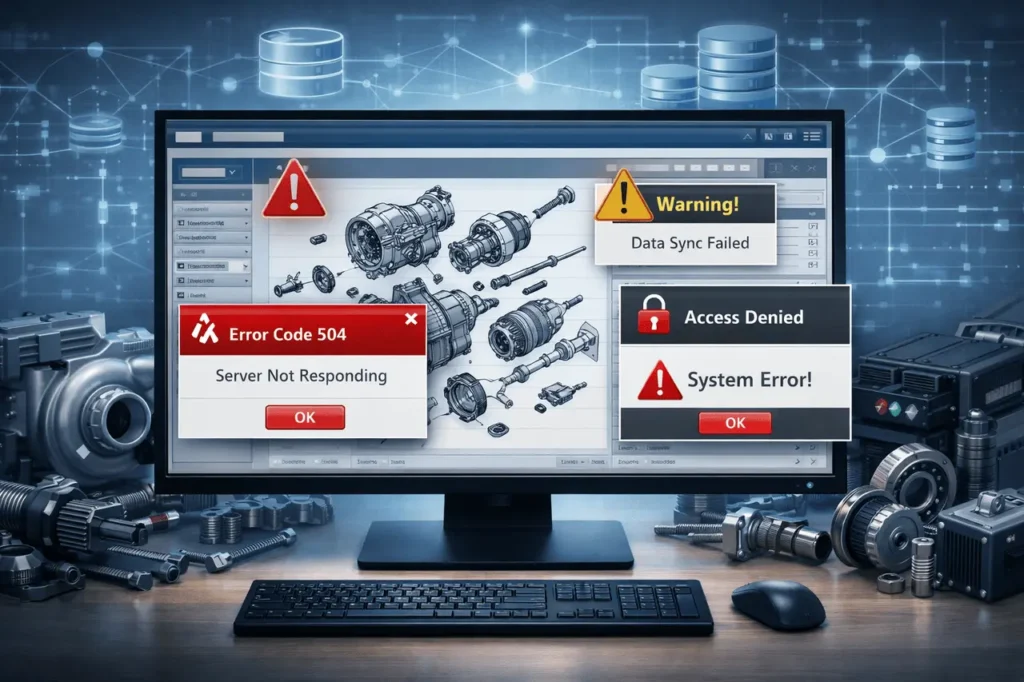
Electronic Parts Catalogues (EPCs) are essential for service shops, dealers, and parts operations. If an EPC produces an error message (or “system error” it will stop ordering, quoting, or repair processes.
This article will explain the most common kinds of EPC error codes, what they typically mean, and what steps you can take to fix these errors quickly.
What Are EPC Error Codes?
EPC Error codes are messages generated by the system or identifiers that appear whenever the Electronic Parts Catalogue (EPC) encounters a problem in regular operation. These codes are created to indicate that something is wrong within the EPC environment, such as a license issue, data mismatch, connectivity issue, or software issue, and to help administrators and users quickly determine the cause.
In many EPC systems, errors may be displayed as alphanumeric or numeric codes or as descriptive system messages. They appear when the catalogue is unable to complete a task, such as loading a car model, retrieving part numbers, displaying diagrams, synchronizing updates, or confirming user access. Instead of failing silently, the EPC alerts users to the issue with an error message, prompting corrective actions.
EPC error codes are typically classified into functional categories, such as:
- License and authentication errors (for instance, expired or insufficient licenses)
- Data integrity and database problems (missing, corrupted, or incorrectly matched part records)
- Server and network errors (timeouts, server cannot be reached, or API calls that fail)
- Versions or compatibility problems (outdated EPC client or an unsupported version of a database)
- Update and import error (failed catalog updates or data files that are malformed)
Knowing EPC errors is crucial, as they can help reduce time, prevent improper part ordering, and ensure the EPC system provides accurate, trustworthy information. When correctly understood, they function as diagnostic tools, rather than simple error messages that guide users to faster troubleshooting and resolution.
1. Categories of EPC Errors: A Quick Map
EPC errors typically fall into a few categories:
- Authorization/Licensing Issues: The cause is that the software fails to check licenses or doesn’t verify entitlement.
- Network and Connectivity Problems: The catalog isn’t able to connect to the back-end hosting servers, licensing servers, or databases.
- Data integrity/ Mapping Error: (a)Part numbers, BOMs, images, or metadata aren’t in accordance with expectations for formats.
- Index or Database Problems: Index errors, search index corrupted and missing records, or unsuccessful migrations.
- Version and Compatibility Issues: (e.g., clients and servers/catalog versions of the database do not match.
- File / Format Parsing Errors: malformed XML/CSV imports, corrupted export files.
- Local-Environment: Problems with the local environment, incorrect time for the system, not enough permissions, or driver issues.
Understanding the category that an error is in generally indicates the correct solution.
2. Examples of Concrete Common sense and the Implications They have
an) “License not valid” or “Unable to authenticate.”
Meaning: the EPC client cannot authenticate its license with its vendor’s server (or the local license file has expired or become corrupted). The reasons for this include an insufficient system clock, expired license files, or an inaccessible licensing server. Reapplying or synchronizing the license file can resolve this. Evidence across support forums shows that many dealership EPC issues originate from license/authentication failures.
B) “Catalog database not found.” Timeouts or search results during searches
Meaning: The client cannot access the search or catalog databases. The reasons are network connectivity interruptions or firewall rules, the DB service being down, or a corrupted index file. It is often manifested as lengthy responses or incomplete results. Rebooting services, examining DB status, and confirming that firewall routes are in place are the initial steps.
c) Missing images / broken part links
Meaning: the media paths or links in the catalog are broken, or the image repositories aren’t connected to the database. Solutions include linking media again and re-running the media import process, or restoring from backup. Incorrect inventory data can cause errors that appear to be “missing” content.
(d) Import/parsing error in updates
Meaning: A data feed from a supplier or internal feed of data used different formats (malformed CSV, XML schema drift), and the import process failed. Examine the import error logs to identify the record causing the error, and verify the file against the desired schema. If the EPC supports sandbox imports, try it first.
(e) Errors that are specific to a particular feature or function (e.g., “EPC module X crashed”)
Meaning: It could be caused by a bug or by resource exhaustion, leading to a damaged module file. Most often, it is fixed by restarting the service or module, looking through the logs for stack traces, and applying vendor patches. If the problem persists, contact the vendor’s support team with the logs.
3. Troubleshooting checklist (step-by-step)
- Take a Screenshot of the Specific Error and the Code: Copy the logs and screenshots. Many vendor support teams need these.
- Check the Simple Things First: First, check the basics for Connectivity to the network (ping/trace), as well as memory space in the disk, DB Service status, and the system time. An incorrect system clock is a common cause of invalid licenses that fail to validate.
- Check Recent Changes: Did you notice a Windows update, a database migration, a new firewall rule, or an EPC patch that was applied before the problem? Revert to the previous version if it is possible.
- Analyze Log Files: Check server, client, and database logs to find stack traces or SQL errors. Logs can indicate the component that is failing.
- Services Should be Restarted Cautiously: Restarting the EPC application and its services, or the database, may remove temporary states; do so within a regulated maintenance timeframe.
- Validate the License and Authentication: Reapply the license keys, verify the expiry date, and confirm that the client has access to the licensing vendor’s endpoints.
- Index and Database Tests: Run the built-in health checks, update catalogs for search, and restore tables that are corrupt from backups when required.
- Test Using a Well-Known Client/Environment: If your issue is limited to a single workstation, restore or compare settings with a working machine.
- Escalate Using Evidence: If vendor support is required, be sure to provide logs, timestamps, steps to reproduce the issue, and screenshots.
4. Prevention Measures
- Monitor health metrics (DB size, index latency, license expiry) and set alerts.
- Automatic backups, test restorations, and tests in databases as well as the media store.
- Standardize ingestion pipelines (schema validation, schema evolution plans) so supplier changes don’t break imports.
- Manage patches, keep the EPC Server and client components running supported versions, and apply vendor patches as quickly as possible.
- Resilient networks use multiple links or local caching to perform license checks, reducing the risk of a single point of failure.
5. When the error is specific to a domain (e.g., OEM EPCs)
OEM or dealer EPCs (GM, Ford, John Deere, etc.) could contain vendor-specific codes and tractor and device fault lists. These vendors typically release fault code lists or offer dealer service bulletins. Check for the OEM Knowledge Base or the dealer community forums for suggestions on shop-level solutions.
Final Thoughts
EPC error codes aren’t accidental technical issues; they signal specific problems, such as licensing issues and data inconsistencies. They can also indicate problems with networks or with software compatibility. When you recognize typical EPC system issues and follow the correct troubleshooting procedure, users can fix most issues without extensive technical intervention. Active maintenance, for example, checking system health, validating data imports, ensuring software is up to date, and ensuring backups are reliable, drastically reduces the number and severity of EPC problems. In the end, a maintained EPC system guarantees accurate parts lookups, smoother workflows, and greater reliability across service and parts operations.
FAQs
1. My EPC says “License not valid” after a power outage. What should I try first?
Verify the system clock and timezone, then verify connectivity to the server granting licenses. If so, reapply for the license or call the vendor’s licensing department.
2. Searches yield empty results even though the components exist.
Most likely, it is a stale or corrupted search index. Create the EPC index for search and ensure the database contains the correct records. If indexing is not working, look at your import logs.
3. There are only errors on one workstation. Are all other workstations good?
Check local environment variables, such as OS updates and permissions, installed drivers, and cached license files. The process of reinstalling your client, or cleaning its cache regularly, can help.
4. A supplier feed import fails with parsing errors, and how do I fix it?
Check that the file is in line with the desired schema, correct or delete the faulty record, and process it again. Implement schema validation in the ETL pipeline to identify these issues before importing.
5. Who can I reach for EPC issues that are related to OEM data?
Begin by calling your EPC supplier or OEM support for dealers first. If you’re experiencing a license or server downtime, the vendor will confirm the status and offer hotfixes. Community forums can assist with configuring your system.
Also Read –
Common Issues in EPC Search and How to Fix Them?
How to Map a Fault Code to a Part via EPC (Electronic Parts Catalogue)?